
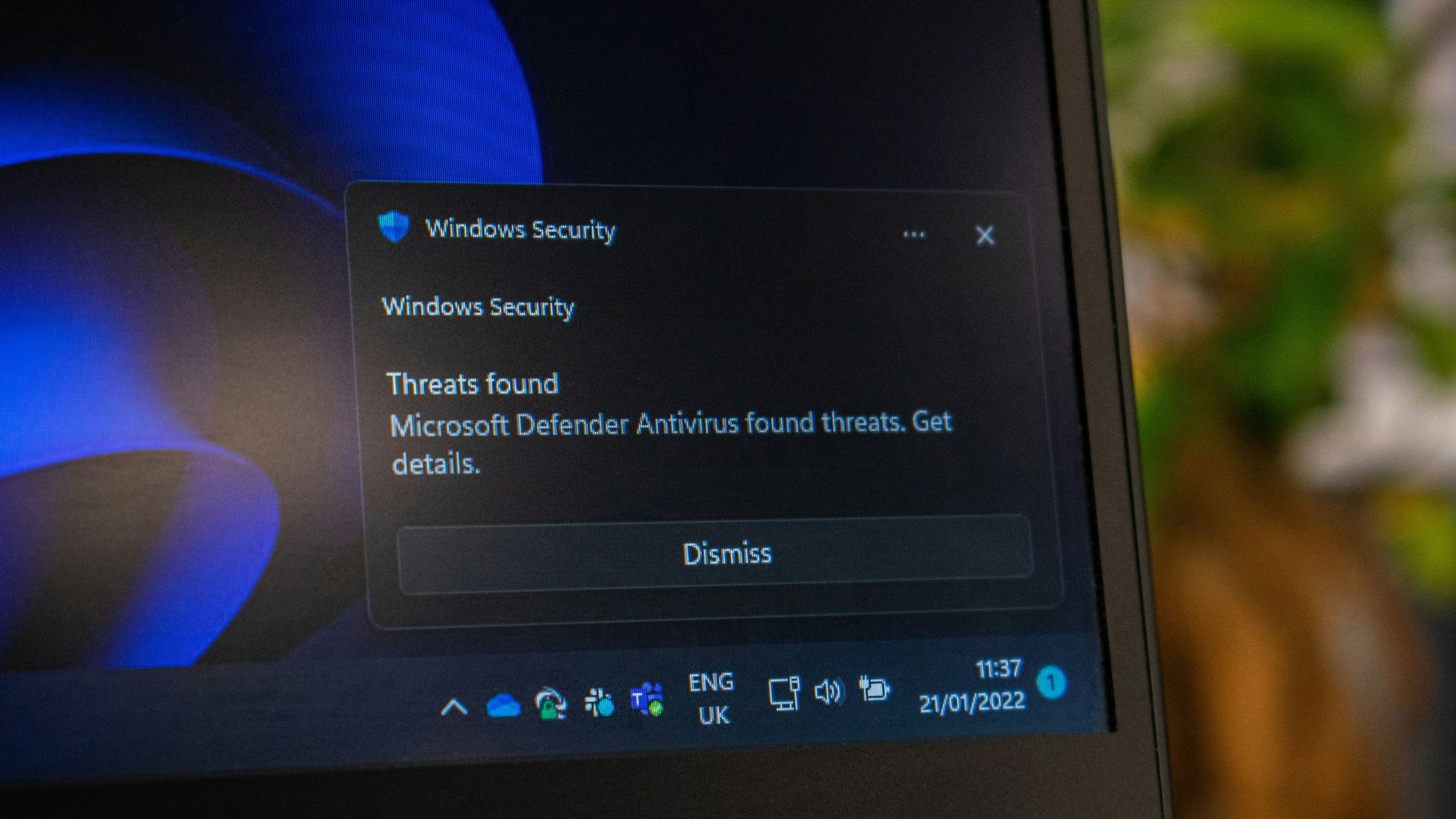
Every day, we use web browsers to access email, research information, download documents, install software, manage social media, and work across online platforms. These activities have become so routine that it is easy to forget that the browser is also one of the main gateways between our devices and the wider internet.
A single unsafe download, malicious browser extension, fake website, or outdated application can expose information stored on a device or provide an attacker with access to other accounts and systems.
For journalists, civic actors, community organizers, and organisations working in the public interest, these risks can extend beyond ordinary cybercrime. Devices may contain sensitive communications, contacts, research, organisational documents, or information about communities and partners.
Developing safer browsing and downloading habits is therefore an important part of everyday digital security.
What Is Malware?
Malware, short for malicious software, is software created to damage a device, steal information, spy on users, disrupt systems, or provide someone with unauthorized access.
Malware can take different forms, including viruses, ransomware, spyware, and malicious applications.
Importantly, malware does not always arrive through an obvious cyberattack. It can enter a device through actions that appear completely ordinary: opening an infected attachment, downloading software from an unofficial website, installing a malicious browser extension, or following a deceptive link.
This is why good digital security depends as much on everyday habits as it does on security software.
Download from Trusted Sources
One of the simplest ways to reduce your risk is to pay attention to where your software and files come from.
Whenever possible, download mobile applications from official app stores and computer software directly from the developer’s official website. Be particularly cautious about download buttons appearing in advertisements or pop-ups, which can sometimes lead to imitation websites or unwanted software.
Avoid pirated or “cracked” software. Apart from legal and ethical concerns, modified software can provide an effective way to distribute malware because users are deliberately bypassing the application’s normal security and verification processes.
Before downloading anything, take a moment to confirm that you are on the website you intended to visit.
Think Before Opening a File
Malicious files can also arrive through email and messaging applications such as WhatsApp or Telegram.
An attachment does not automatically become safe simply because it appears to have come from someone you know. Accounts can be compromised, and attackers can impersonate people or organisations.
Before opening an unexpected attachment, ask yourself three questions:
Was I expecting this file? Do I trust the sender? Does the filename and type of document make sense?
If something feels unusual, contact the sender through another channel and confirm that they sent it.
A few seconds of verification can prevent a much bigger security problem.
Keep Your Devices and Applications Updated
Those repeated requests to update your browser, phone, laptop, or applications can be inconvenient, but they serve an important security purpose.
Software developers regularly discover and fix vulnerabilities in their products. Once a vulnerability becomes known, attackers may try to exploit devices that have not yet installed the security update.
Enable automatic updates where practical, particularly for your operating system, web browser, and frequently used applications.
Updates are among the simplest security measures available: when a trusted security update is available, install it.
Be Selective About Browser Extensions
Browser extensions can be extremely useful, but they can also have significant access to your browsing activity.
Some extensions may be able to see the websites you visit, modify pages, or access information you enter online depending on the permissions you have granted.
Review your installed extensions periodically. Remove anything you no longer use, only install extensions from developers you trust, and pay attention when an extension asks for new permissions.
The same principle applies to applications on your phone: if you no longer need it, consider removing it.
Don’t Ignore Browser Warnings
Modern browsers include protections designed to identify suspicious websites, dangerous downloads, and problems with website security certificates.
It can be tempting to treat security warnings as another inconvenience and simply click through them. Don’t make this a habit.
If your browser suddenly warns you that a website or download may be dangerous, stop and investigate before continuing.
Know When Something Isn’t Right
Malware is not always immediately visible, but unusual behaviour can sometimes provide clues.
You might notice applications you do not remember installing, unexpected browser redirects, excessive pop-ups, unexplained changes to security settings, or unfamiliar activity on your online accounts. A device may also become unusually slow or experience unexplained battery drain.
None of these signs proves that malware is present, but unexpected changes are worth investigating.
For people working in civic space, journalism, advocacy, or other potentially sensitive environments, unexplained device behaviour should be taken particularly seriously.
Make Safe Browsing a Habit
Digital security does not require treating every website, attachment, or application as dangerous. It requires developing a few consistent habits:
- Keep your devices, browsers, and applications updated.
- Download software from trusted and official sources.
- Treat unexpected attachments with caution.
- Remove browser extensions and applications you no longer use.
- Pay attention to browser security warnings.
- Ask for help when something does not look right.
The goal is to introduce a brief moment of judgment between clicking and acting. Cybersecurity tools are important, but technology cannot compensate for every unsafe decision. A few seconds spent checking a website, questioning an unexpected attachment, or verifying a download can make a significant difference.
Pause before you download. Use trusted sources. Keep your software updated. And pay attention when your device tells you something isn’t right.